
Remote MCP address:
https://solari.sh/mcpThe first connection opens a browser to sign in.
Claude Desktop
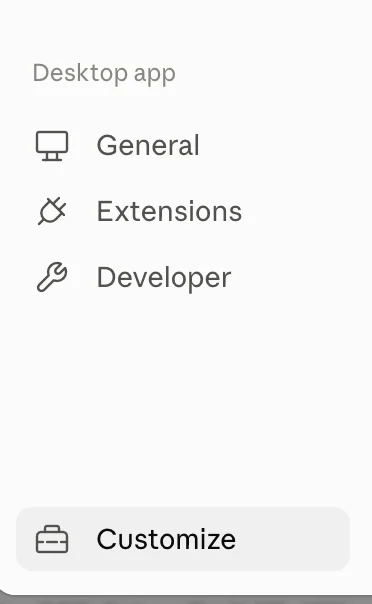
Open Settings and choose Customize at the bottom of the sidebar.
Go to Connectors, press Add, and fill in the dialog: a name for the connectors list, and the address above.
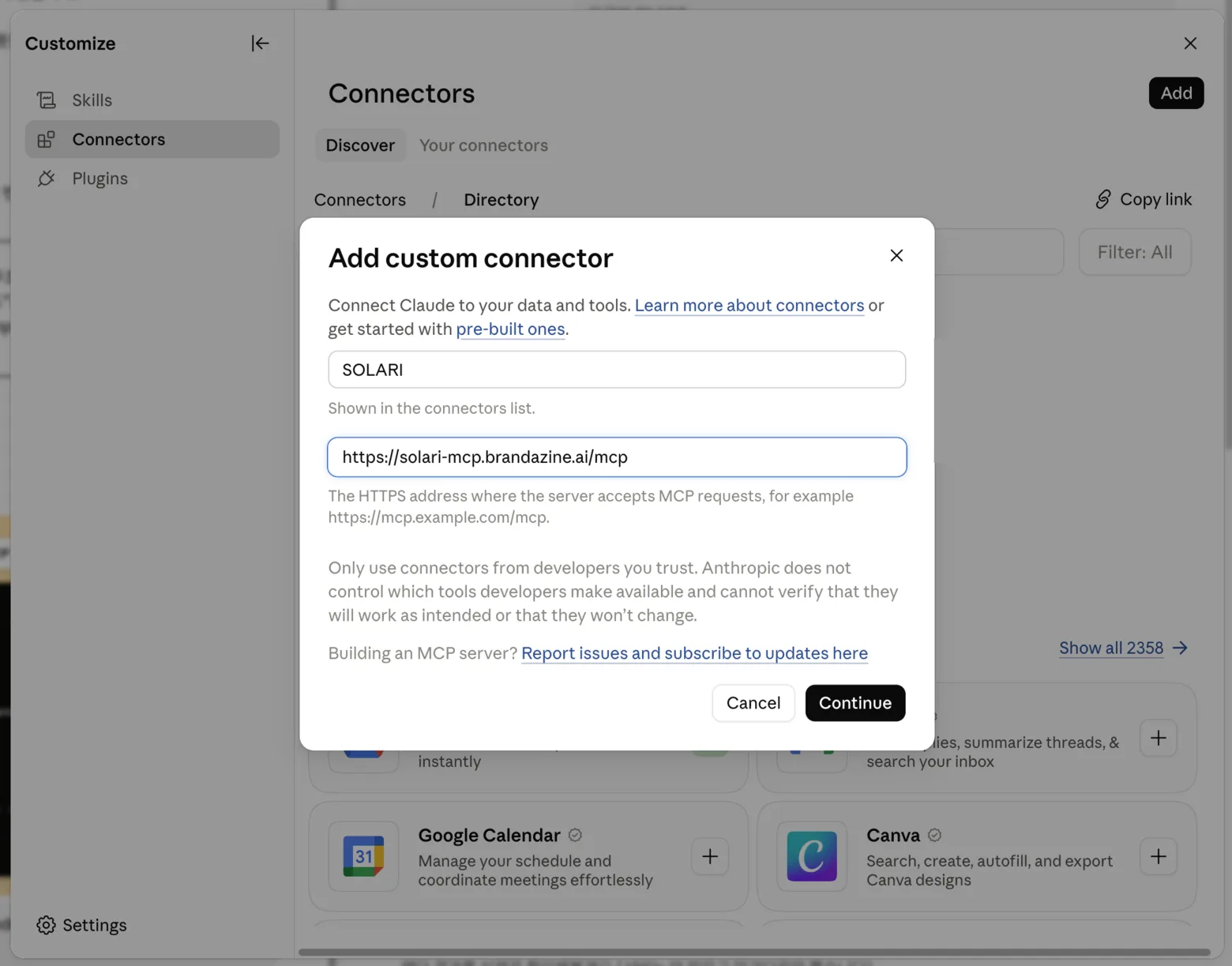
Continue walks you through sign-in once. After that SOLARI sits in your connectors list and its tools are available in any chat. claude.ai works the same way.
Claude Code
claude mcp add --transport http solari https://solari.sh/mcpClaude Code asks you to sign in the first time it reaches the server. /mcp shows the connection and lets you start that yourself.
ChatGPT
ChatGPT connects the same way as Claude Desktop: add the address as a custom connector under Settings → Connectors, then sign in. Custom connectors are a paid-plan feature in ChatGPT.
Other hosts
Other apps that support remote MCP servers can connect too. Most of them take an entry like this in their settings file:
{
  "mcpServers": {
    "solari": {
      "url": "https://solari.sh/mcp"
    }
  }
}